
Go to Doodle.com and click on Sign Up to create an account.

Create an account using your Google, Facebook or email account.

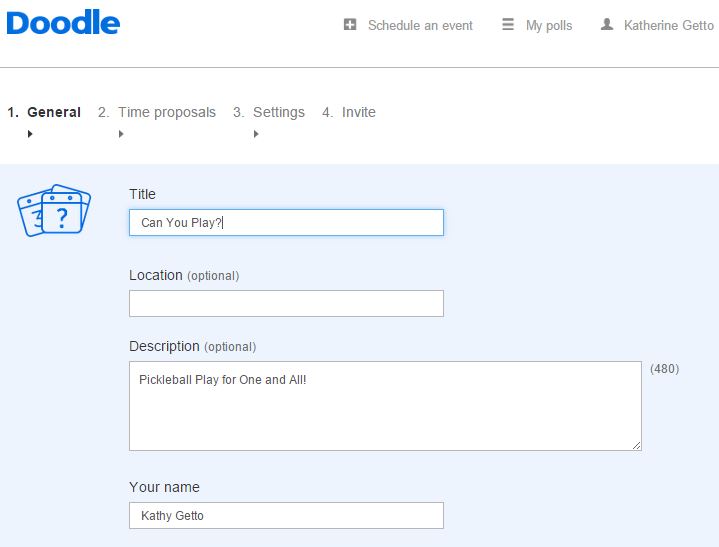
Click on Schedule an event and enter in your event information. Click Next at the bottom of the screen when you are finished.
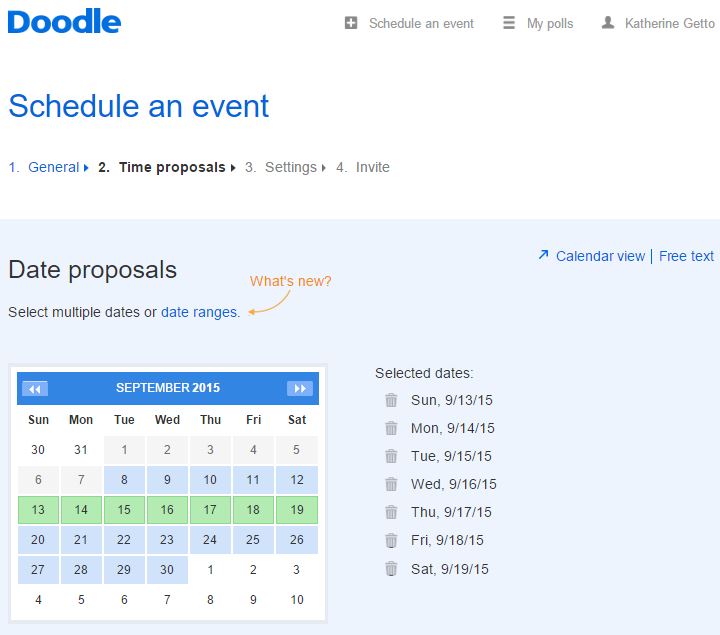
 Click on the dates you want to offer play. Click Next at the bottom of the screen when you are finished.
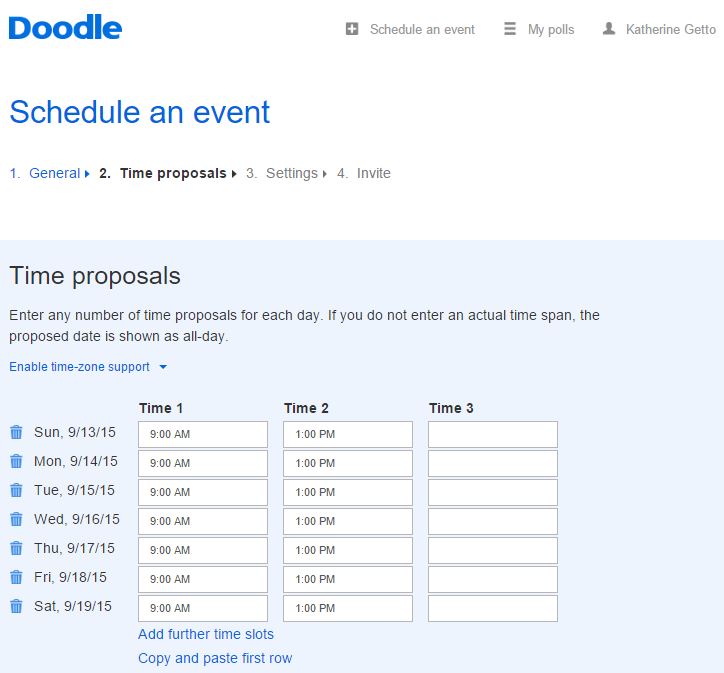
Enter the time(s) you want to offer play in the first row. Then click on Copy and paste first row to enter those dates into the remaining dates. Click Next at the bottom of the screen when you are finished.
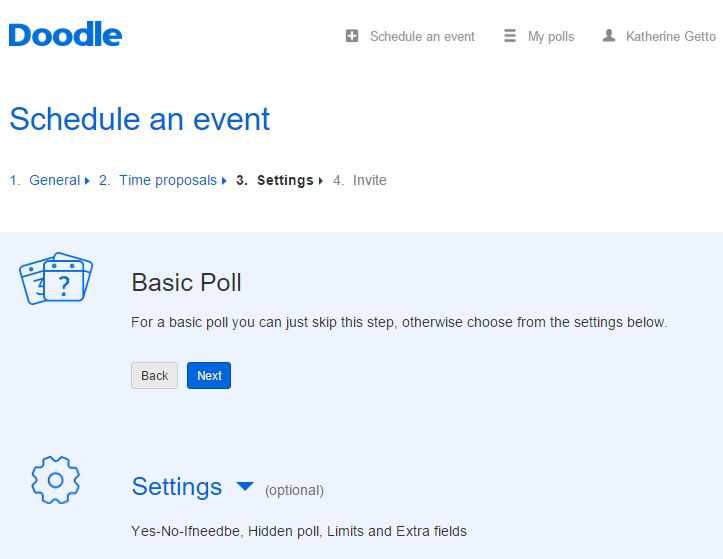
Click on Next to choose the Basic Poll settings. Click Next at the bottom of the screen when you are finished.
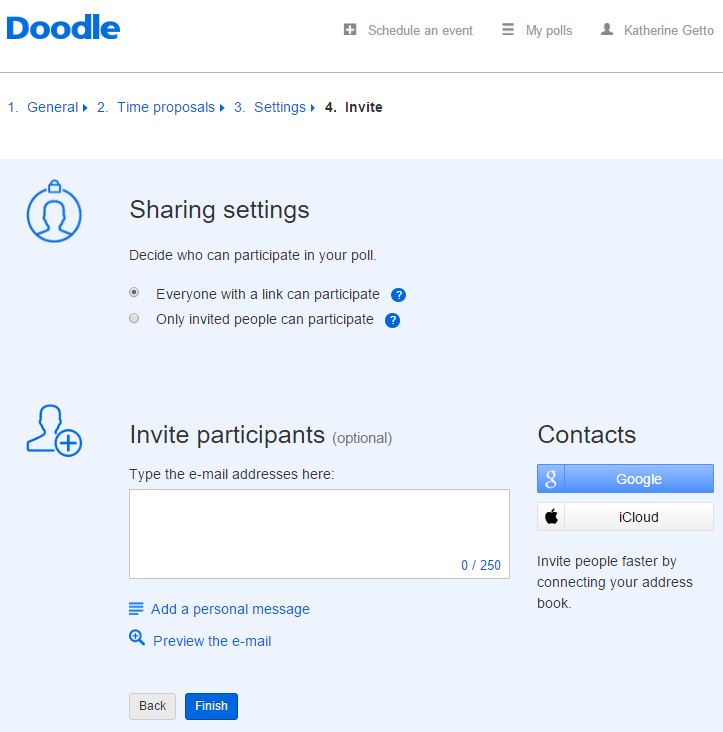
Make sure that the Everyone with a link can participate is selected int he Sharing settings. Click Next at the bottom of the screen when you are finished.
Click on the Copy link button.

Open your email program and paste the link copied above into an email to send to other players.
Send the email to other players so that they can sign up to play on specific days and/or times.
Other players do not need to create an account; they will simply enter in their names.